
Your meetings file themselves in the CRM
Read.ai, Microsoft Teams or Noota: the report, transcript and video of every meeting land on the record of the company you met.
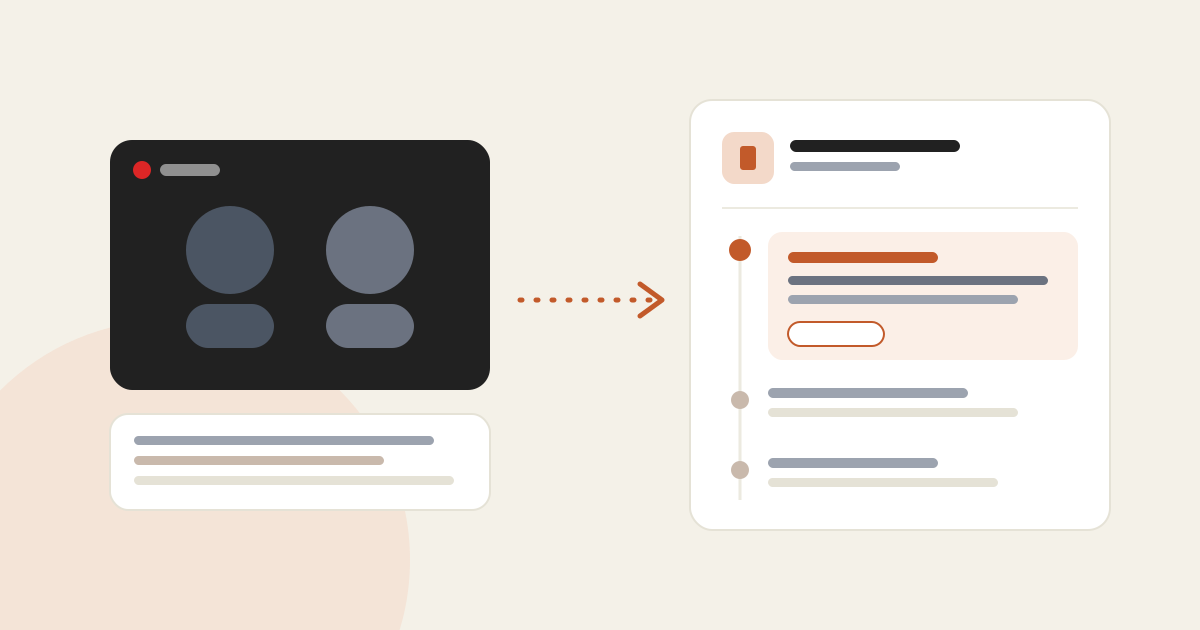
In short
- Three note-taking tools connect from the Integrations tab: Read.ai, Microsoft Teams and Noota.
- Each meeting is filed on the right company using the attendees' emails and domains.
- The company log shows the report, and "View transcript" opens the full text.
- On connection, meetings from the last 30 days are imported, then new ones every 15 minutes.
After a meeting, the notes often end up in a separate tool, far from the prospect’s record. AutoLeads now files them straight into the log of the company you met.
Three tools to choose from
Reports and transcripts of your Zoom, Teams and Meet meetings. The summary, action items and key questions come along.
Included in Microsoft 365: transcript and video of the meetings you organise. Automatic recording turns on for your meetings with an outside guest.
Report, transcript and a link to the video. One API key for the whole team.
How to connect it
"Note-taking" section. The tab is for team owners and admins.
Read.ai and Teams: each salesperson connects their own account. Noota: paste an API key generated in Noota, Settings, API keys.
Your meetings from the last 30 days arrive within minutes in each company's "Log" tab.
How a meeting finds the right company
AutoLeads first looks for an attendee whose email is known on one of your leads, then for an attendee’s business domain among your CRM companies. Your colleagues, on the organiser’s domain, never decide the match.