
Every reply from your prospects, in one place
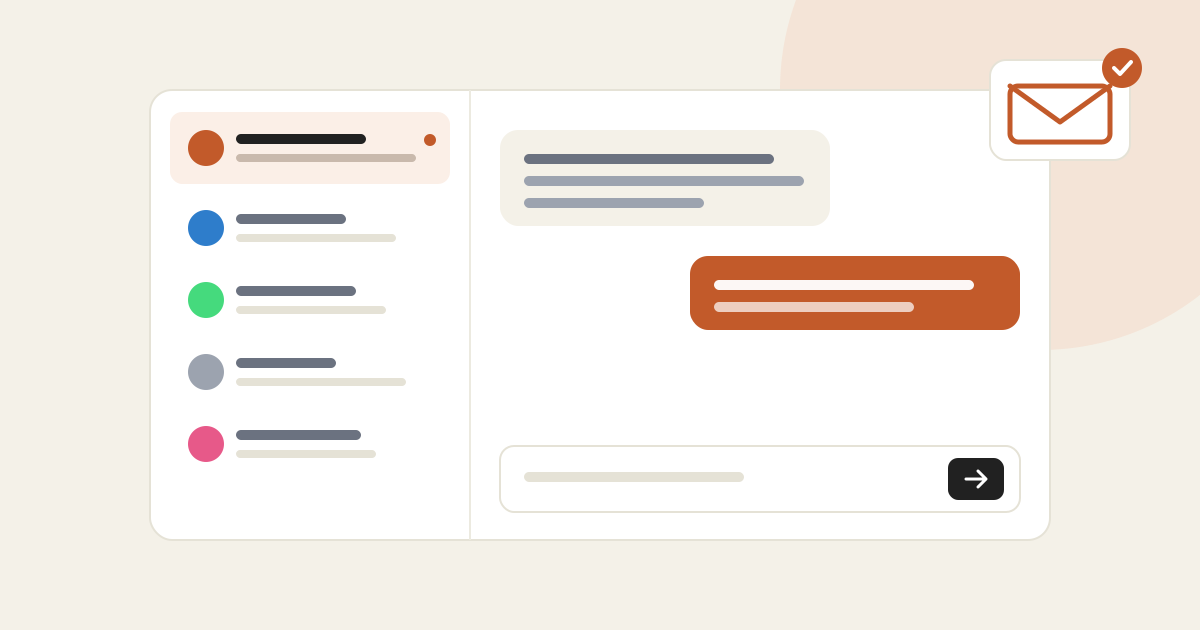
Email, LinkedIn, Instagram, WhatsApp: every reply lands in an inbox your team shares. Answer right there, and get an email as soon as a prospect writes back.
In short
- One conversation per contact, as soon as they reply once, across every campaign.
- Answer from AutoLeads: the reply goes back through the channel and tool it came from.
- The mailbox (or Lemlist) signature is added for you, and you can adjust it for a single reply.
- An email alerts you on every reply from a prospect you own. Turn it off in one click.
A campaign that works produces replies, and scattered replies get lost: one in Gmail, one on LinkedIn, one in Lemlist. The new inbox brings them together.
What changes
Every contact who replied gets a thread, across channels. Emails show only the new text: the quoted history and the prospect's signature are folded away.
Type your answer and send with ⌘↵. It goes back through the channel it came in on, Lemlist included when the reply came from there.
Every member sees the same inbox. The "Open in CRM" button leads to the company record.
An "X replied to you" email arrives on every reply, with a preview and a Reply button that opens the conversation.
How to use it
In the left menu. The badge counts conversations with an unread reply, and the "Unread" filter isolates them.
It reads like a chat. Opening it marks it read.
For an email, the "Signature" line above the box shows the one that will go out. Click it to adjust it for this answer; "Reset" brings the default back.
Where the signature comes from
From a connected mailbox, AutoLeads uses the signature set on that mailbox in the Integrations tab. Through Lemlist, it reuses the one Lemlist put under your sequence emails, or else your name and company.