
Your prospecting, driven from your AI assistant
Plug AutoLeads into Claude, ChatGPT, Cursor, VS Code or Windsurf. You ask; the assistant reads your campaigns, reviews your emails and moves your CRM forward, with the permissions you give it.
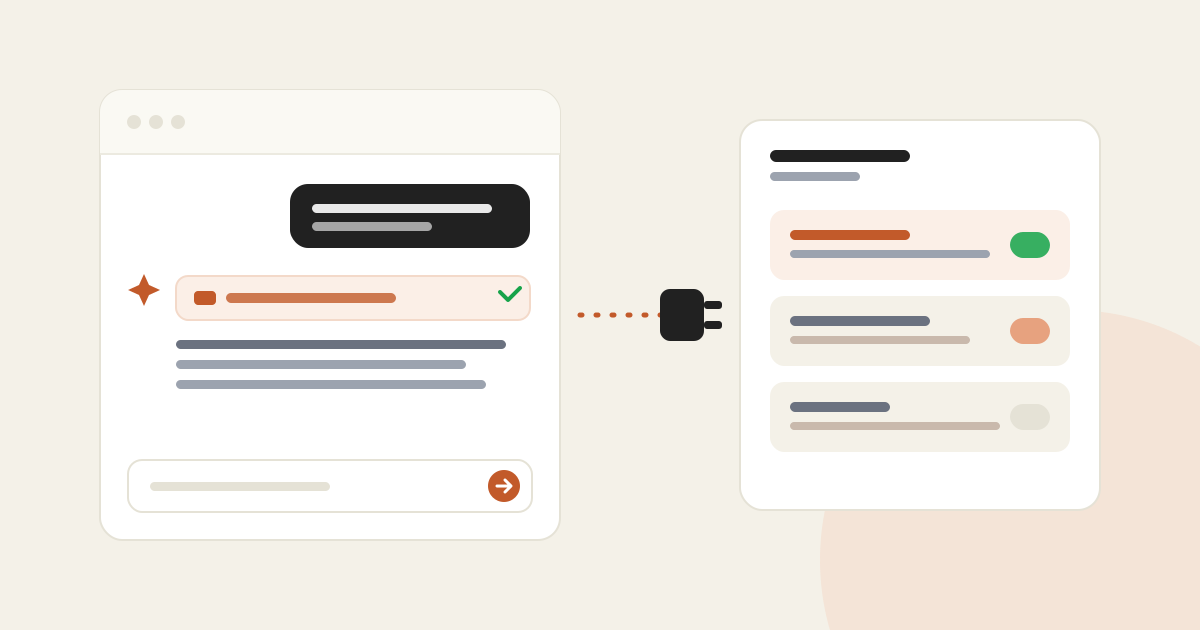
In short
- AutoLeads exposes an MCP server, compatible with Claude, Claude Code, ChatGPT, Cursor, VS Code and Windsurf.
- You connect in the browser: pick the permissions and allow, no key to copy.
- The assistant does what you do in the app: campaigns, leads, emails, CRM, down to a company's log and meeting transcripts.
- Included in paid plans, and revocable at any time from Settings, API keys and MCP.
Opening AutoLeads to check a campaign, then the CRM to see who to follow up: with MCP, you just ask the AI assistant you already use.
What your assistant can do
Status, progress, agent activity, volume projection and the weekly digest.
Companies, contacts, emails and phones, enrichments and scores.
List drafted sequences, fix a subject or a body, reject or regenerate.
Tasks, notes, statuses, and now a company's log with its meeting reports and transcripts.
How to plug it in
Each client has its own setup page: Claude, ChatGPT, Cursor, VS Code, Windsurf or Claude Code.
Your client opens AutoLeads in the browser. Tick what the assistant may do (read, configure, send), then allow.
"How is my Lyon campaign doing?", "review the pending emails", "who should I follow up today?"
Step-by-step setup for each client is on the AutoLeads MCP page.