
Your sequences go out on their own, from your accounts
Mailboxes, LinkedIn, Instagram, WhatsApp: AutoLeads sends itself, in your name, within your office hours. No mailbox ready? Grezy creates and warms some up for you.
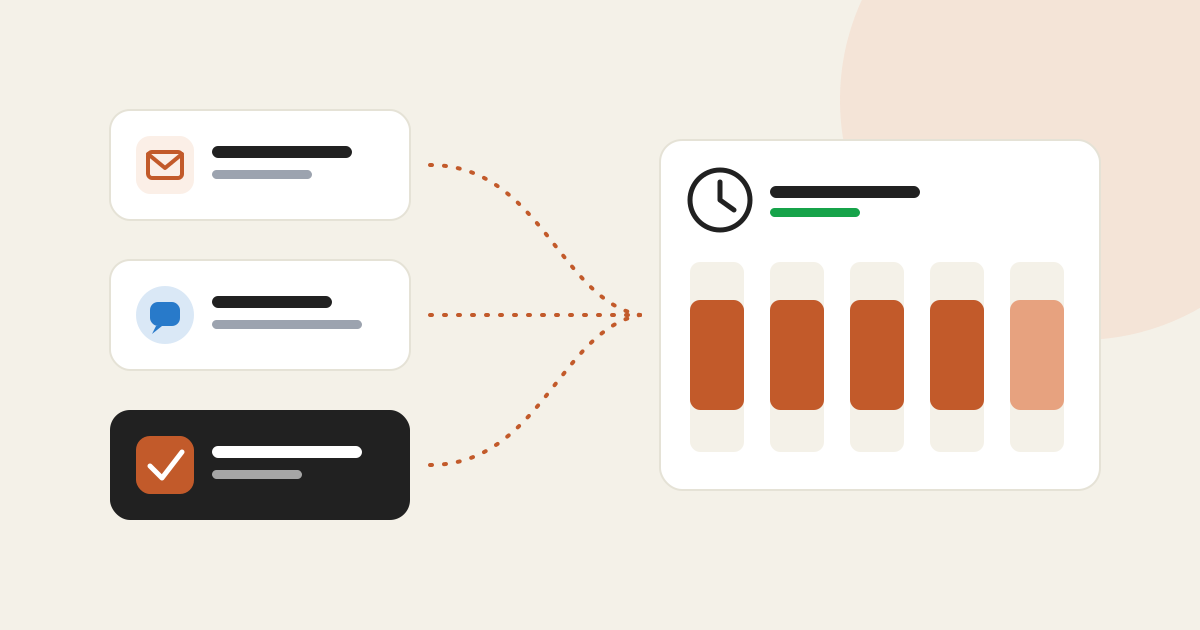
In short
- Connect your mailboxes (Google, Outlook or IMAP/SMTP) and your LinkedIn, Instagram and WhatsApp accounts.
- For each channel of a campaign, choose who sends: your accounts, Lemlist, Emelia, a Grezy mailbox or copy-paste.
- Grezy mailboxes are created on a domain at your brand and warmed up for about 7 days before sending.
- Sending hours keep your connected accounts to your office days and hours.
Until now, an AutoLeads sequence went out through your sending tool or was copied by hand. AutoLeads can now send it itself, from your own accounts or from mailboxes Grezy provides.
Three ways to send
Google, Microsoft or any IMAP/SMTP host. Sender name and signature per mailbox, bounce and auto-reply detection.
LinkedIn, Instagram and WhatsApp. Contacts are spread across the ticked accounts, and each stays on its own.
Grezy buys a domain at your brand (or uses yours), creates the mailboxes and warms them up. They start at 10 emails a day, then up to 25.
How to get started
"My company", "Integrations" tab: "Add a mailbox" and "Add an account". Or, under "Grezy mailboxes", "Request mailboxes".
In the campaign's "Sending" panel, pick a sender per channel and tick the mailboxes or accounts to use.
"Sending hours" section: time zone, start and end, active days. By default, Monday to Friday, 9:00 to 18:00.
Grezy mailboxes in detail
Allow 48 hours for setup, then about 7 days of warmup: a mailbox is ready from a score of 80 out of 100. Meanwhile your emails stay as board tasks, and switch to automatic sending as soon as a mailbox is ready.