
Before every call, a script made for that prospect
You write the outline once, in sections. The AI drafts a script to say and 2 to 4 pain points from each lead's enrichment.
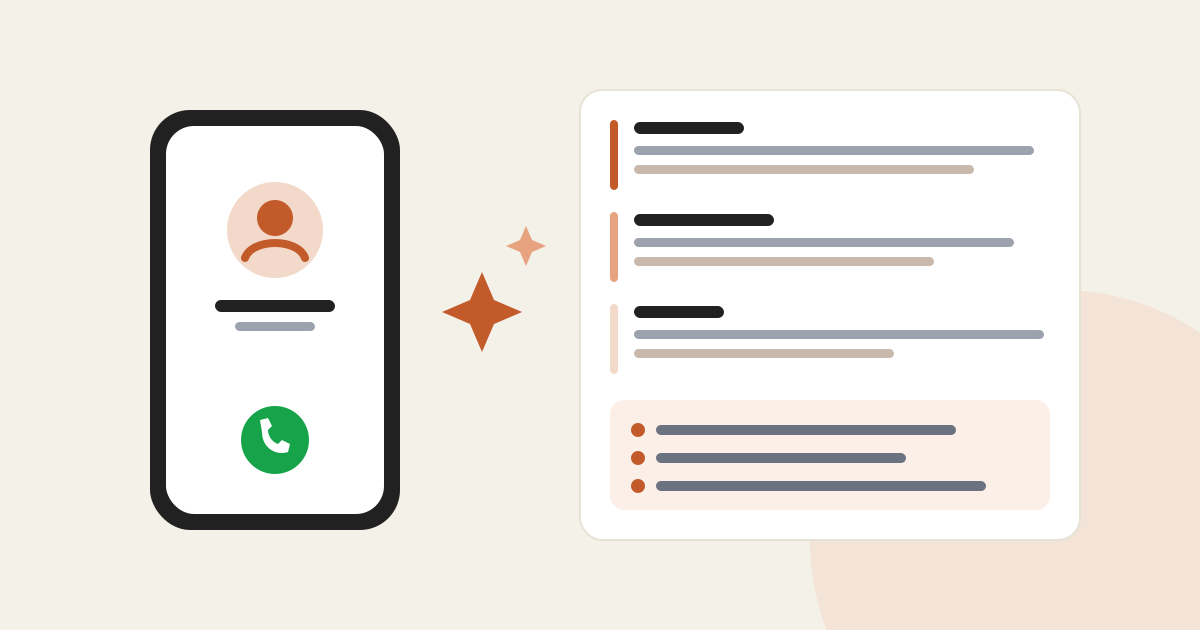
In short
- "Call" steps in your sequences now take a script template, split into sections.
- For each prospect, the AI drafts a spoken script that follows your sections, plus 2 to 4 pain points.
- The rep opens it from their call task with "View script".
- Optional: without a template the call has no script, and your existing sequences do not change.
A cold call is won or lost in the first thirty seconds. With a generic script, you lose the prospect before you talk about them. Call steps can now carry a script written for each lead.
What the rep gets
Split into your sections. By default: Opener, Discovery, Pitch, Objections, Close, with a variant for follow-up calls.
2 to 4 specific findings about this prospect, drawn from its enrichment data.
How to turn it on
Or at the "Sequence" step when creating a campaign.
Expand "Call script template" and click "Start from the default sections", or add your own sections: a title and an instruction for the AI.
On the campaign's CRM board or in "My tasks", click "View script". If it is not drafted yet, "Draft the script" prepares it in about a minute.